
Why I built it
Many MCP servers are easy to install but difficult to trust. I could not always trace what happened behind a tool call, and some required Python or Docker before the server could run.
I built MCP Query to learn the protocol from the inside. I wanted to follow one request from tool discovery to validation, query execution, and the final result or error.
The target was small: make database queries useful to an AI client while keeping the entire path readable and testable.
Repository: github.com/achmadya-dev/mcp-query
What I built
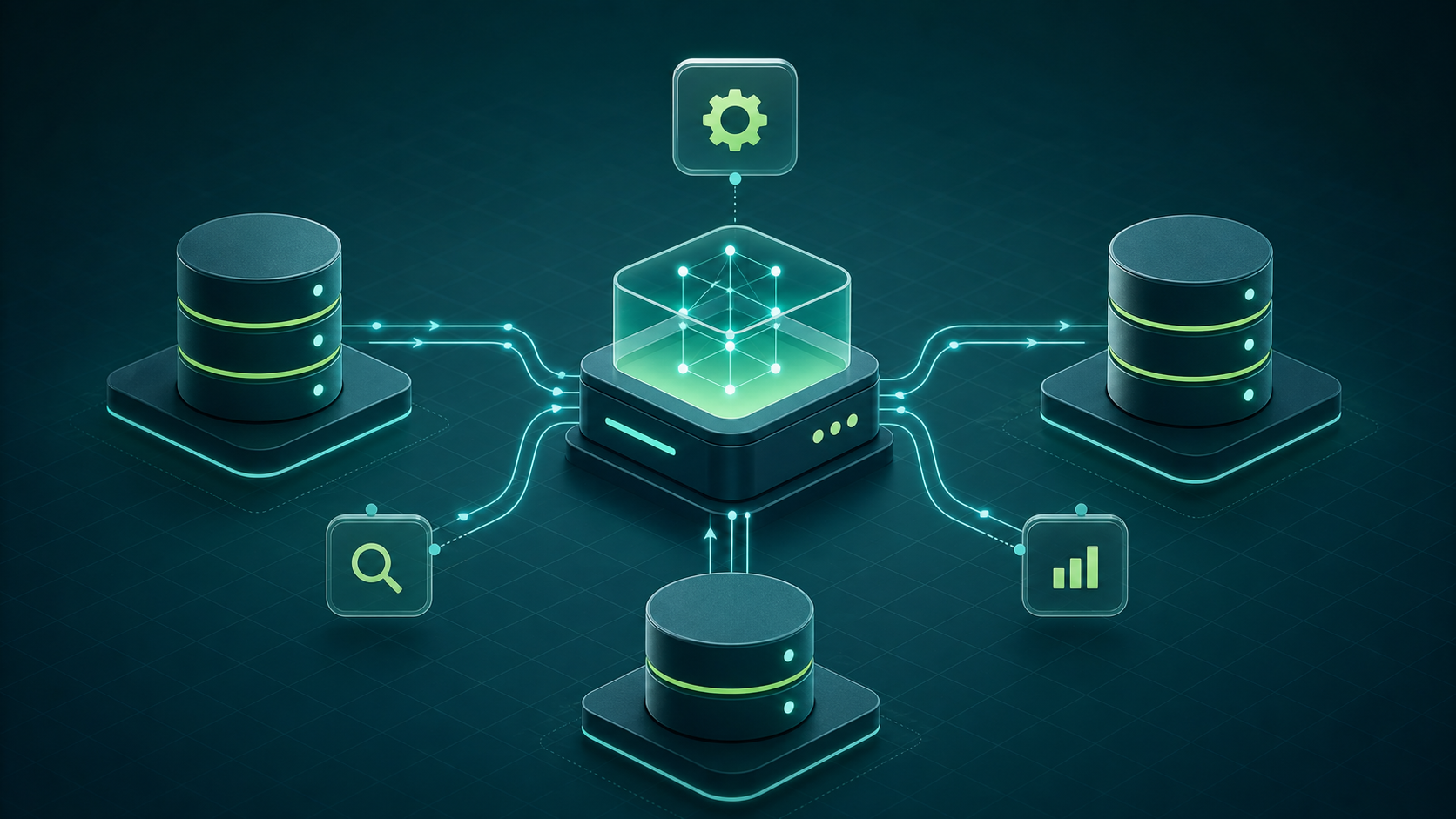
MCP Query connects an AI client to Excel, MySQL, PostgreSQL, SQL Server, and SQLite. Each data source has its own adapter because connection lifecycles, data types, and errors are not interchangeable.
A shared core handler owns the behavior that must stay consistent:
- Validate tool-call input.
- Select the correct adapter and operation.
- Normalize query results.
- Catch failures without terminating the server.
- Return an MCP-compatible result or error.
The handler protects the protocol boundary. Adapters remain responsible for engine-specific behavior, so useful error details are preserved without changing the response contract.
MCP as the bridge
MCP separates the AI client from the tool implementation. The client only needs the tool name, input schema, and response. It does not need to understand a PostgreSQL driver or an Excel parser.
The protocol defines the messages. The transport defines how those messages move. MCP Query sends protocol messages over stdio.
During initialization, the client discovers the available tools and their schemas. The model can choose a tool, but the server still owns validation, data access, and the final response.
This contract is the bridge. An adapter can change without requiring the AI client to learn its internal implementation.
Why npx and stdio
npx runs an npm package without a global installation. It downloads a missing package into its cache and starts the entry point declared by that package.
{
  "mcpServers": {
    "database": {
      "command": "npx",
      "args": ["-y", "<mcp-package>@<version>"],
      "env": {
        "DATABASE_URL": "<connection-string>"
      }
    }
  }
}
The package version should be pinned so the executed code can be reviewed and reproduced. npx simplifies delivery; it is not a security guarantee.
I use stdio because the MCP client owns a local server process. The client writes protocol messages to stdin and reads responses from stdout.
This transport needs no HTTP port, permanent service, or extra network configuration. When the client exits, it can stop the MCP process as well.
stdout must contain only MCP messages. Logs belong on stderr; otherwise, ordinary log output can corrupt the protocol stream.
This model fits local tools and user-owned data. A remote server or a service shared by many clients would have different lifecycle, authentication, and transport requirements.
Query and error handling
Every tool call enters through the core handler. Invalid configuration or input is rejected before an adapter receives the query.
Successful results are normalized before they return to the client. Failures are caught and converted into structured MCP responses.
A PostgreSQL failure is not disguised as an SQLite failure. The source remains clear, while both errors follow the same response path.
This prevents an unhandled exception from terminating the server and gives the AI client enough information to explain the failure or choose a safe next step.
How I test it
Docker Compose is used for development and integration tests, not as a hidden runtime dependency. It provides repeatable MySQL, PostgreSQL, and SQL Server instances. SQLite and Excel use local files.
The test loop is straightforward:
- Start only the required data source.
- Run a local build or a pinned package version.
- Call the tool through an MCP client.
- Test success, invalid input, connection failures, and engine errors.
- Publish only after the handler and adapter tests pass.
If the target database already exists, the user only needs the package and an MCP client.
What I learned
Understanding one tool call end to end is more useful than exposing many tools at once. A small path is easier to inspect, test, and trust.
Abstraction should remove repetition, not erase meaningful differences. Validation and response formatting can be shared; connection behavior and engine errors belong in adapters.
Error handling is part of the MCP contract. A client needs a usable response when a query fails, not a raw exception or a process that suddenly exits.
A small runtime helps adoption but does not replace review. Readable code, pinned versions, focused dependencies, and tests must work together.
MCP Query helped me understand MCP as a bridge rather than a black box: a clear path from an AI client to real data and back to a response the client can use.